
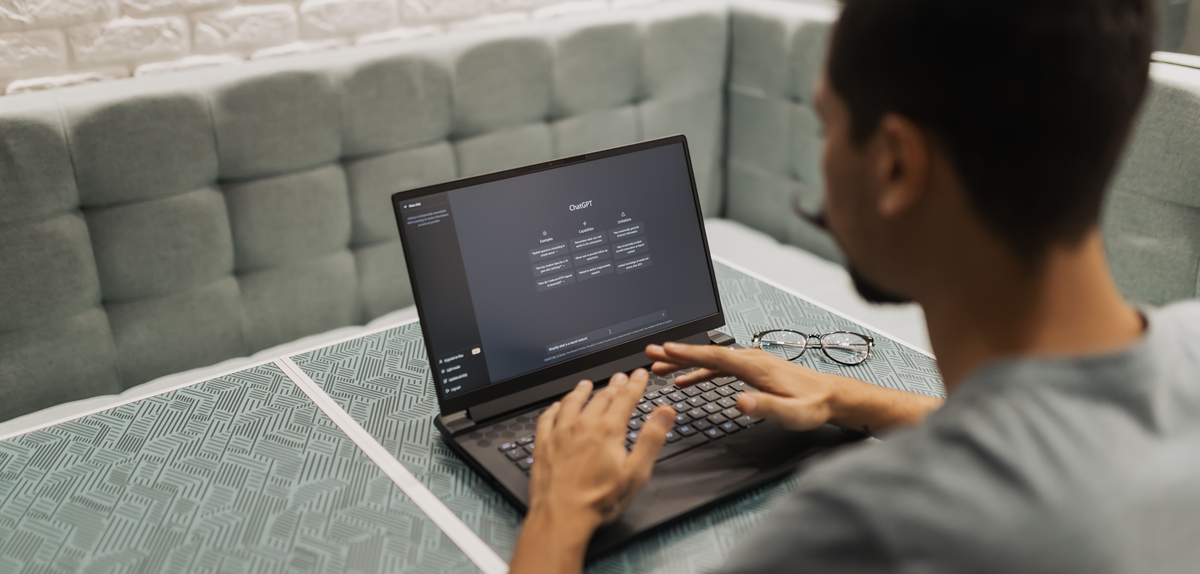

Do you use artificial intelligence tools, such as note-taking, during virtual meetings? According to a Software Finder survey, 20% of employees use such tools to automatically create notes from meetings, and 30% of workers admit that digital assistants attend meetings for them. Software Finder also reports also reports that employees who use AI tools to create meeting notes have a greater likelihood of getting promoted (28% compared to 15%) and earning more money ($86,034 compared to $67,709).
During virtual meetings, workers may use AI assistants because the tools:
- Allow people to focus more on meetings – Since attendees know that AI creates notes for them, they may feel better able to concentrate on the discussion because they don’t need to take manual notes.
- Create more accurate notes than humans could – In contrast to humans, AI may avoid even minor errors, such as writing incorrect numbers.
- Create a transcript – The transcript could be helpful for journalism, research, lawsuits and other purposes.
- Make it easier to follow up and track action items – AI-generated notes may include next-step sections with assignments for attendees and/or others.
- Make note-taking more consistent – All meeting notes can have the same format and tone and include the same types of information when created by AI.
- Expedite work – Rather than taking notes themselves, employees can use and immediately share AI-drafted notes with other individuals. AI tools create meeting minutes three times more quickly than manual methods do.
- Save time – It may take substantially less time for employees to read meeting notes rather than attend the meeting. However, people may miss out when they don’t attend meetings.
- Be more efficient – Employees would rather spend their valuable time doing higher-value work than attending meetings. In fact, 30% of employees admitted to skipping meetings, trusting AI to record the most important information while they do more complex work. However, people who rely only on notes may miss the benefits of meeting attendance.
- Doing their work – Employees may feel that they no longer have to take notes.
Alternatively, people could bring AI to meetings by mistake or inadvertently join a meeting with an AI note-taker. Also, they may have signed up to a note-taking service so they can see the AI notes of an attendee at another meeting. When signing up for that kind of service, an individual may allow the AI note-taker to join all of their meetings. If the individual wants, they could disable this automatic admission.
Meeting hosts do not have to admit AI assistants. Even if they are not allowed entry, AI tools theoretically could be listening to a meeting without most people’s knowledge.
When using AI during meetings:
- Announce them.
- Ask for consent to use them. If anyone says no, do not use them.
- Ensure you follow relevant laws. Federal laws allow anyone to record a meeting without letting others know. As of 2026, 13 states require all parties to consent. There are legal cases about the use of AI in meetings. For example, in the Brewer v. Otter.AI case, OtterPilot allegedly joined a Zoom meeting without letting participants know and used the meeting conversation to train Otter’s AI.
- Potentially turn off AI assistants for a few minutes as a way of fostering “more open and authentic” conversations.
- Delete AI-created transcripts after a certain time or delete the transcripts automatically.
In addition, have fewer, but high-quality, meetings. Decreasing the number of meetings could inspire more people to attend and pay attention.
Because people respond to incentives, you could encourage people to participate, instead of relying on AI assistants, by offering incentives. To determine what would motivate potential attendees, ask them for their thoughts.
In my next piece, titled “What You Should Know About Using AI During Virtual Meetings — Part 2,” learn more about ramifications of using AI during virtual sessions.
Miriam Edelman, MPA, MSSW, is a Washington, D.C.-based policy professional. Her experience includes policy work for Congress. Miriam’s undergraduate degree is from Barnard College, Columbia University, with majors in political science and urban studies. She has a master’s in public administration from Cornell University, where she was inducted into the national honorary society for public administration. She has a master’s of science in social work (focusing on policy) from Columbia University. She is a commissioner of the DC Commission on Persons with Disabilities. Miriam aims to continue her career in public service. She is especially interested in democracy, civic education, District of Columbia autonomy, diversity, health policy, women’s issues, and disabilities.
Photo Credit: Matheus Bertelli, Pexels


Leave a Reply
You must be logged in to post a comment.